
Near the limit
When a category reaches 80% of its limit.
Spenrol tells you when a category is close to its limit, how your week compared with the last, and when it has been a few days since you logged.
Near the limit warns you when a category reaches 80% of its limit. Daily summary shows what you spent today. New month tells you when it is time to set up the next one. Each has its own switch.
Every week Spenrol compares your spending with the week before. If you haven’t logged anything for 3 days, it sends a short reminder.
Recurring payments have their own reminders, covered on the recurring payments page.
Spenrol notices when notifications are blocked in your phone’s settings, dims the switches and tells you how to turn them back on. It checks again when you return to the app.
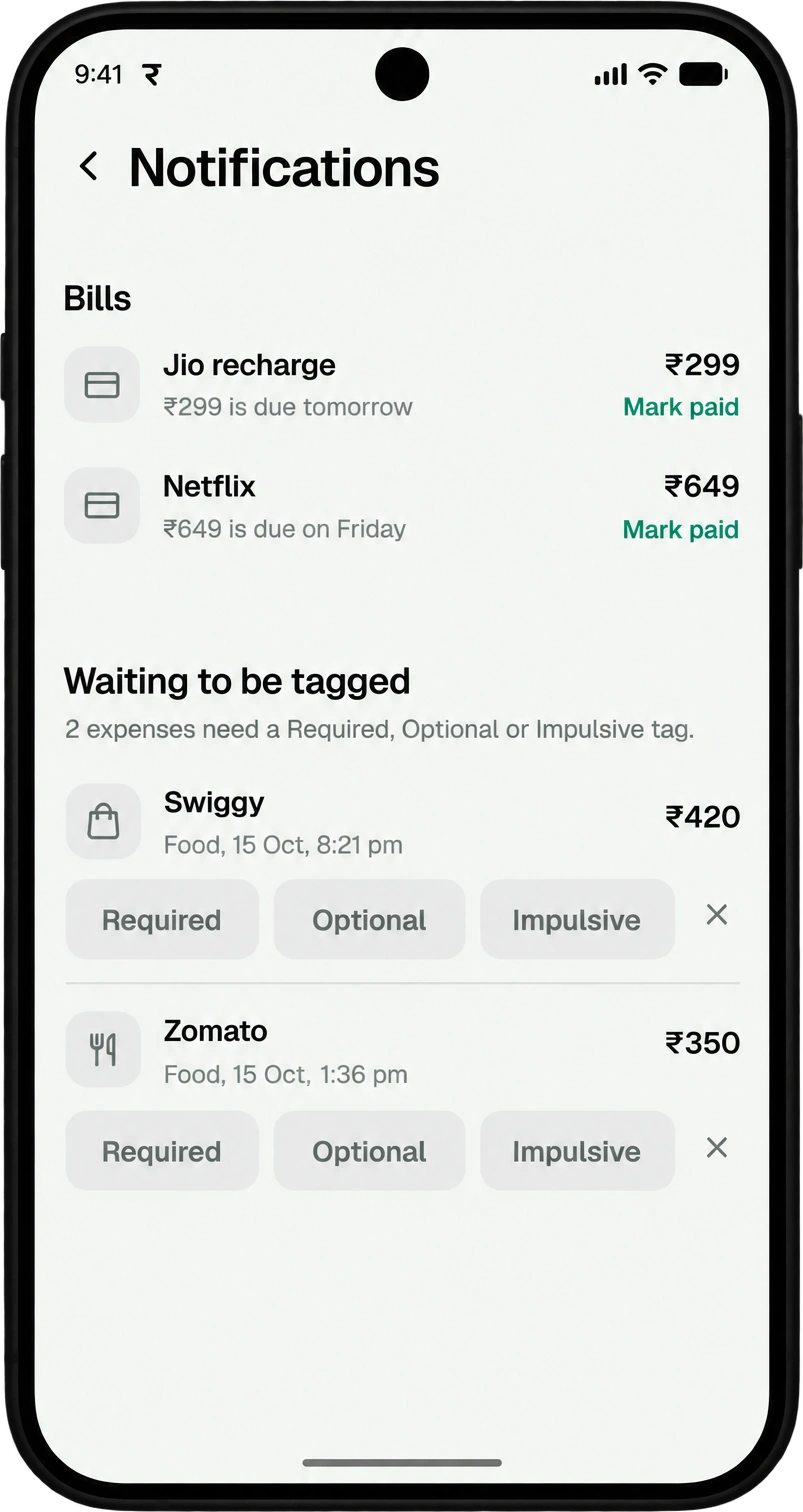
Payments waiting in Review get one reminder at about 9 pm IST on days you have some, and the daily question has a streak reminder. Bills have their own reminders on the recurring payments page.
Every alert uses your own budget and spending, never averages from other people. Your data is not used for advertising.
When a category reaches 80% of its limit.
What you spent today.
When it is time to set up the next month.
Something else? Write to support@spenrol.com
Yes. Near the limit, Daily summary and New month each have a switch in Settings. If your phone blocks notifications, Spenrol tells you how to fix it.
It compares this week’s spending with last week’s, using your own numbers.
After 3 days without a logged expense.
The switches are dimmed and Spenrol tells you how to allow notifications in your phone’s settings.
Yes, one reminder at about 9 pm IST on days you have payments waiting. It only applies if you use Bank SMS tracking.

Scan to download on your phone