
Budget check
Which categories are on pace, running out early or over.
No dashboard to decode. Spenrol writes short insights from your own spending, like which category is running out early.
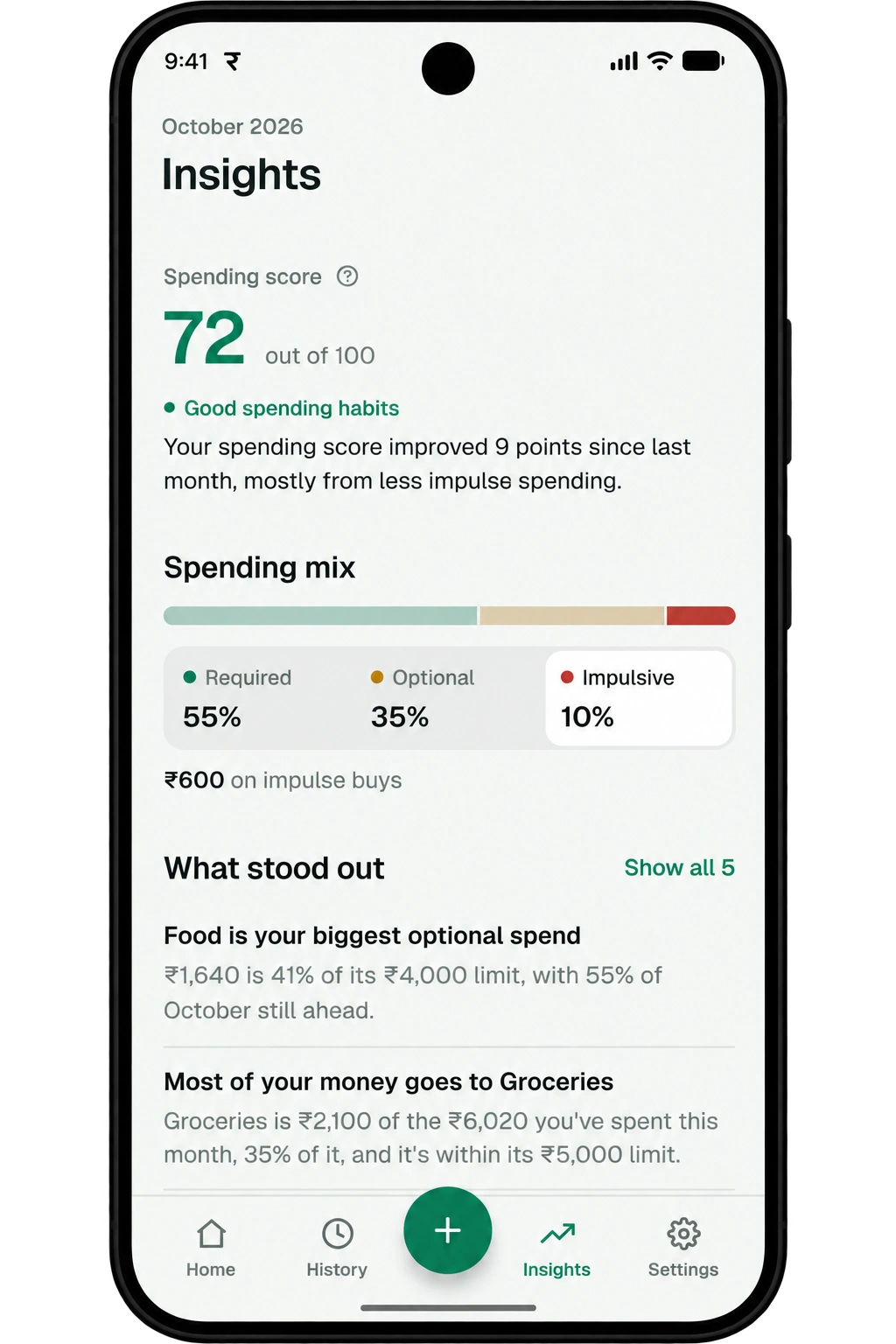
An insight might say that 80% of your Food budget is used with 12 days left, or that you spent less than last month. Every figure comes from your own spending. Spenrol doesn’t compare you with other people or guess where you will end up.
Insights show up to three at a time, and anything over budget is shown before good news. They are grouped under headings such as Budget check, Change from last month, Where it goes and Worth noting.
The first patterns appear after 10 days of tracking. Comparisons with last month need a previous month of data.
Budget checks: whether you are over budget, whether spending is running ahead of or behind the month, and whether you are already past last month’s total.
Comparisons: a category that is up on last month, or more or fewer impulse buys than last month.
Habits: weekends taking most of your spending, small spends adding up, or one payee you keep paying. And good news: every category within budget, or a run of planned spends.
Some insights end with a suggestion, like a tighter limit for a category that is up on last month, or its own budget line for a payee you keep paying. Spenrol doesn’t tell you what to cut.
Which categories are on pace, running out early or over.
How this month compares with the one before.
The categories your money goes to, and the intent split.
Weekends, small spends and payees you keep paying.
Your top category and your single biggest expense of the month.
Every category within budget, or a run of planned spends.
Something else? Write to support@spenrol.com
The first patterns show after 10 days of tracking. Your spending score unlocks after you tag 5 expenses.
No. Every number comes from your own spending.
No. Spenrol compares what has happened with how much of the month has passed, and doesn’t project.
Up to three, with anything over budget first.
No. Some end with a small idea, like a tighter category limit, and the decision is yours.
Free on Android. Track for a few days and the first insights appear.

Scan to download on your phone