
Monthly total
What all your recurring payments come to in a month.
Spenrol lists your recurring payments with what they add up to each month, what is due this week and what is overdue.
‹Recurring
+ Add
Each month, about
₹2,642
13% of your ₹20,000 budget, across 5 payments
Due this week
Later
Gym, a phone recharge, Netflix, Spotify, iCloud+: the recurring screen shows what they come to each month, which are due this week and which are overdue.
When you pay one, mark it paid.
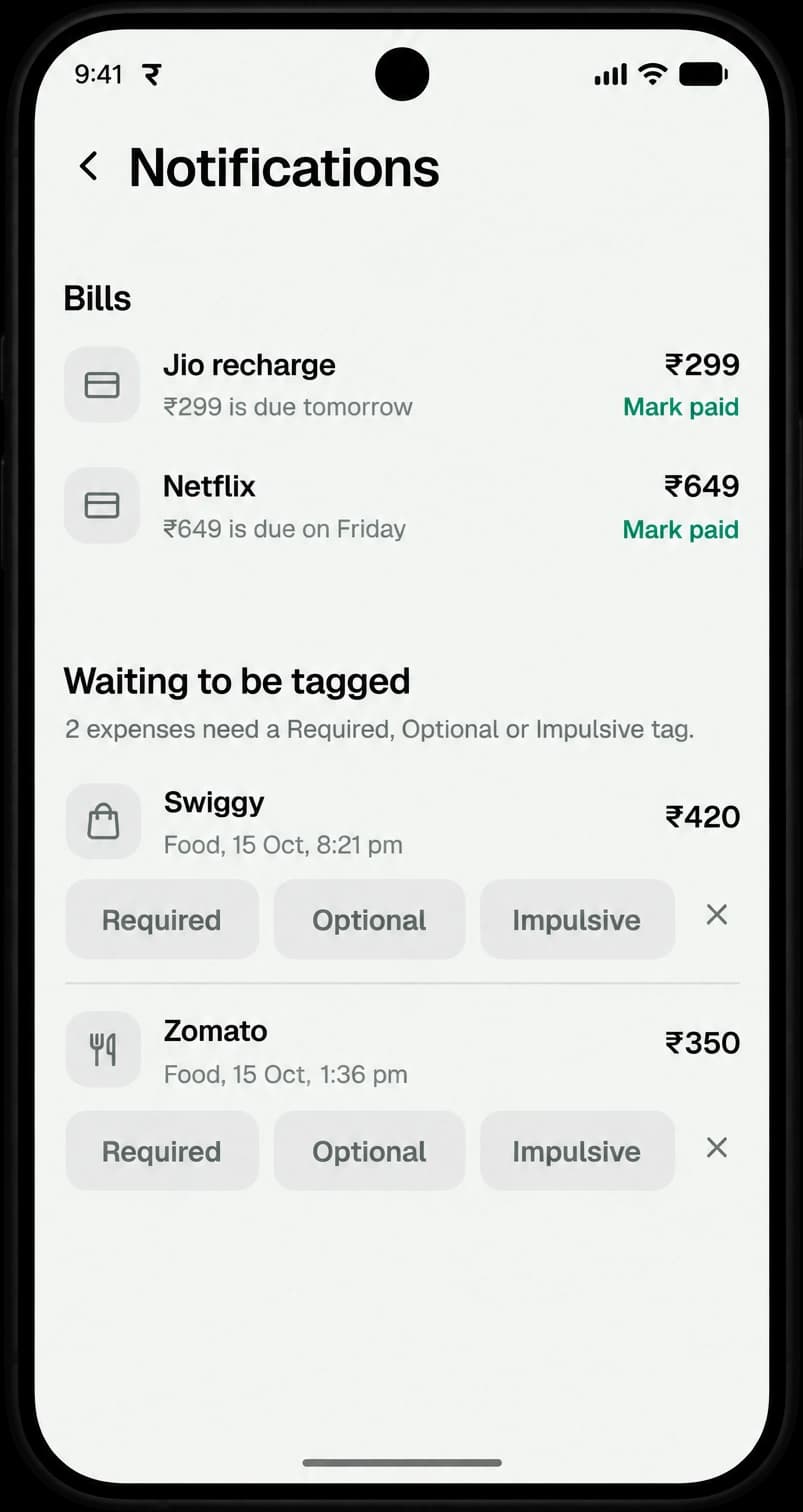
Spenrol sends a reminder 2 days before, the day before and on the due day.
Anything waiting to be tagged shows up in the same notifications.
Open an expense in History and make it recurring. You don’t have to enter it again from scratch.
What all your recurring payments come to in a month.
Payments coming up, each with a Mark paid button.
Payments past their date, so a missed bill is visible.
Something else? Write to [email protected]
Two days before, the day before and on the due day.
Yes. Any expense in History can be made recurring.
No. Spenrol is a budgeting app, not a bank. You pay in your own UPI app and mark it paid in Spenrol.
Free on Android. Add your subscriptions in a minute.

Scan to download on your phone