
Required
Rent, bills, groceries. Spending you couldn’t skip.
Pick a category, then tag why you spent: Required, Optional or Impulsive. Month by month, Spenrol shows the split.
Every expense can carry a tag. Required is for things you had to pay for. Optional is for things you chose but could skip. Impulsive is for the ones you didn’t plan.
You tag when you add an expense, or with a swipe in Review.
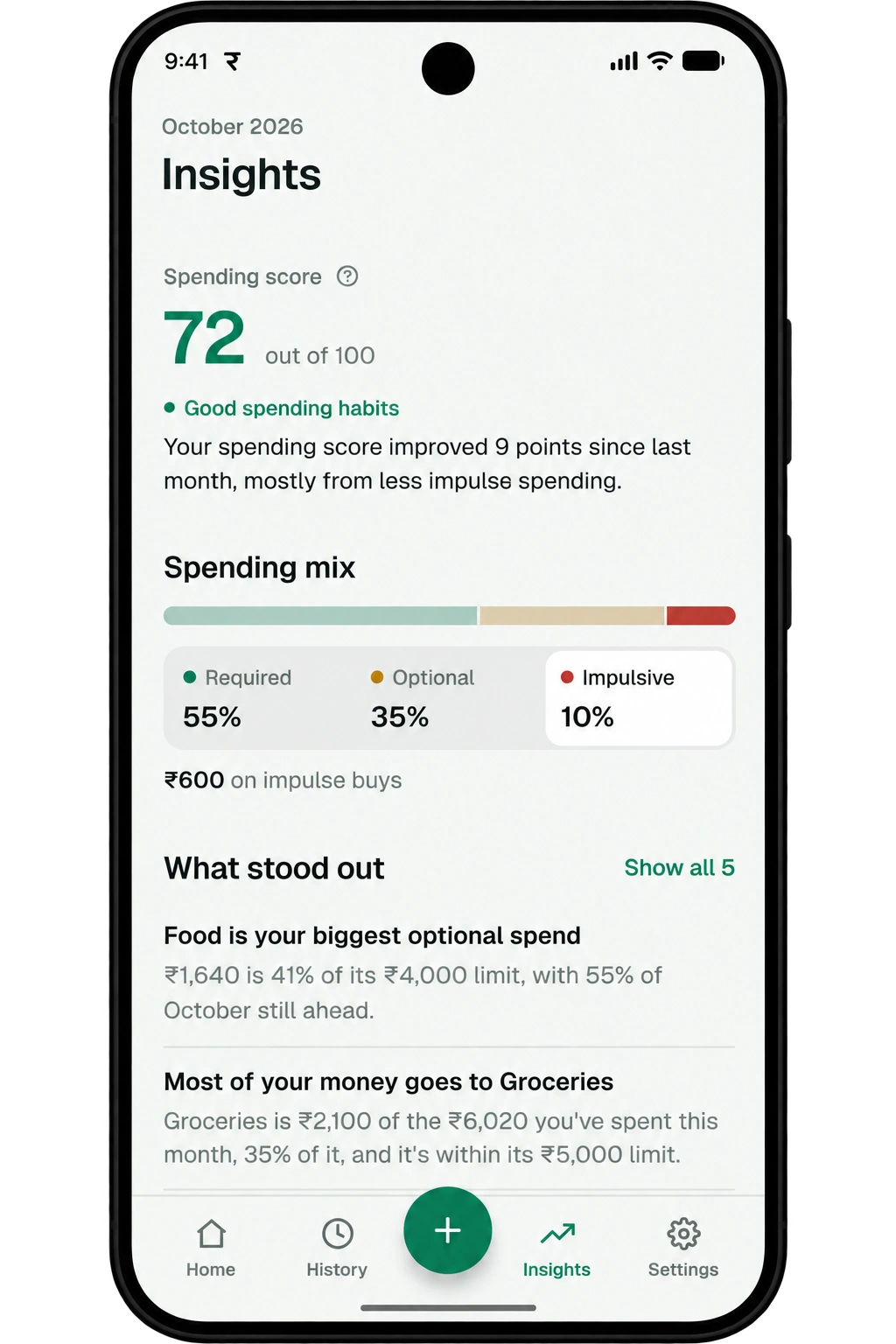
Insights shows your spending split by intent, so you can see how much went to each. Your spending score unlocks once you have tagged 5 expenses.
Insights compare your impulse share with last month once you have enough tagged spending, and notice a run of planned spends with no impulse buys. Expenses without a tag are left out of those numbers.
In History, the Untagged filter shows only the expenses without a tag, so you can fill them in later. Tap an expense to change its tag.
The same food order can be Required one night and Impulsive the next. Each expense gets its own tag, and you choose it.
Rent, bills, groceries. Spending you couldn’t skip.
A choice, planned or not, that you could have skipped.
The 1 am order. Spending that wasn’t part of any plan.
Something else? Write to support@spenrol.com
No, but the split and your score only count tagged expenses. Tagging takes a tap.
It unlocks once you have tagged 5 expenses and is based on your own tagged spending.
No. You choose each tag.
Yes. Open the expense in History and edit it.
In Insights, which shows your spending split by Required, Optional and Impulsive.
Free on Android. Tag a few expenses and see the split.

Scan to download on your phone